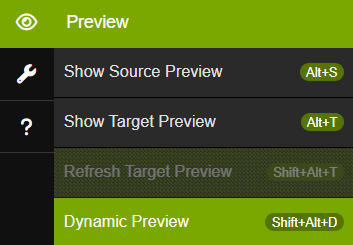
 The Dynamic Preview feature provides an instant, interactive visualization of your collection's content directly within the application, saving you time and effort.
The Dynamic Preview feature provides an instant, interactive visualization of your collection's content directly within the application, saving you time and effort.
How to use Dynamic Preview:
What it does:
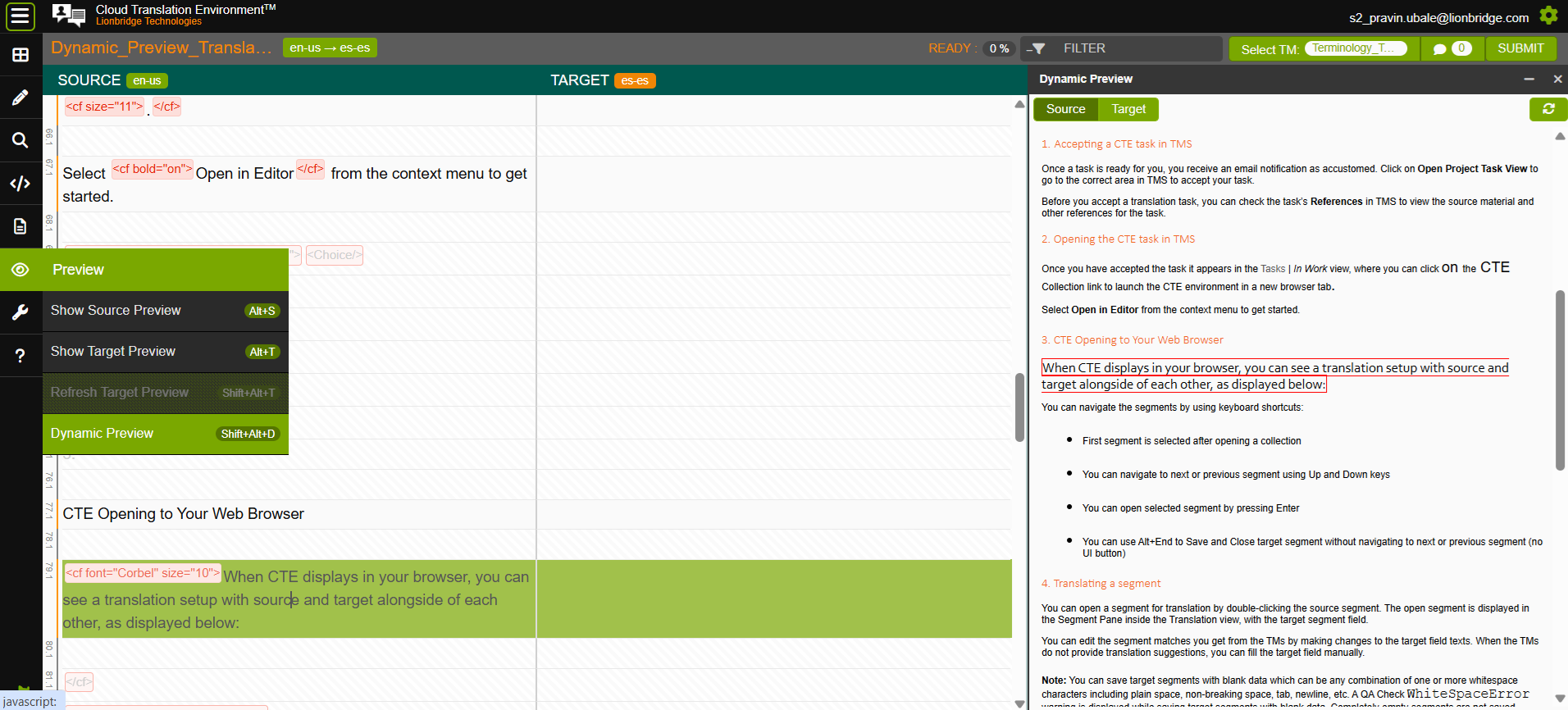
The Dynamic Preview works for both Source and Target segments. To switch your view between the original and translated content, use the dedicated buttons at the top of the Preview pane or the [Shift+Alt+S].
You can refresh the Dynamic Preview using Refresh Dynamic Preview [Shift+Alt+R] button (located in the top-right of the pane).
Once activated, the Dynamic Preview will remain active for your entire session or until you manually close it. It works seamlessly for both Source and Target segments.
Note: You cannot use the Dynamic Preview functionality if any of the following conditions is true:
1) The file format is not supported.
2) The collection is copy-protected.
3) The collection is configured to disallow previews.
4) The collection is not assigned to a TM.